Hotspot navigation
Buyers move between exterior and interior points with a click or tap and explore at their own pace.
Let buyers move through your project before it is finished. They fly over the exterior, step inside, and walk room by room from a phone, tablet or laptop.
Stills from our virtual tours. Buyers see the arrival, the streets and shared spaces, and then the rooms they will live in.
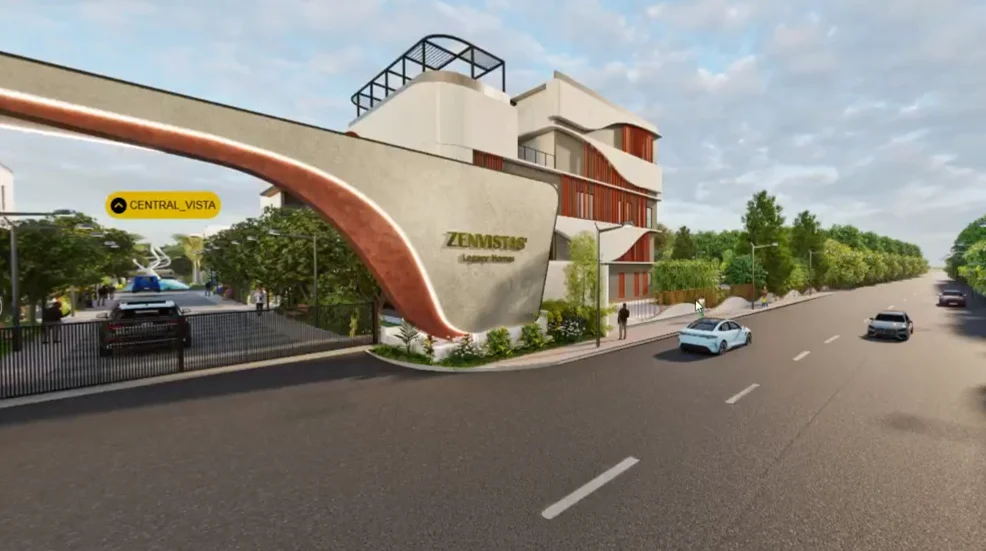
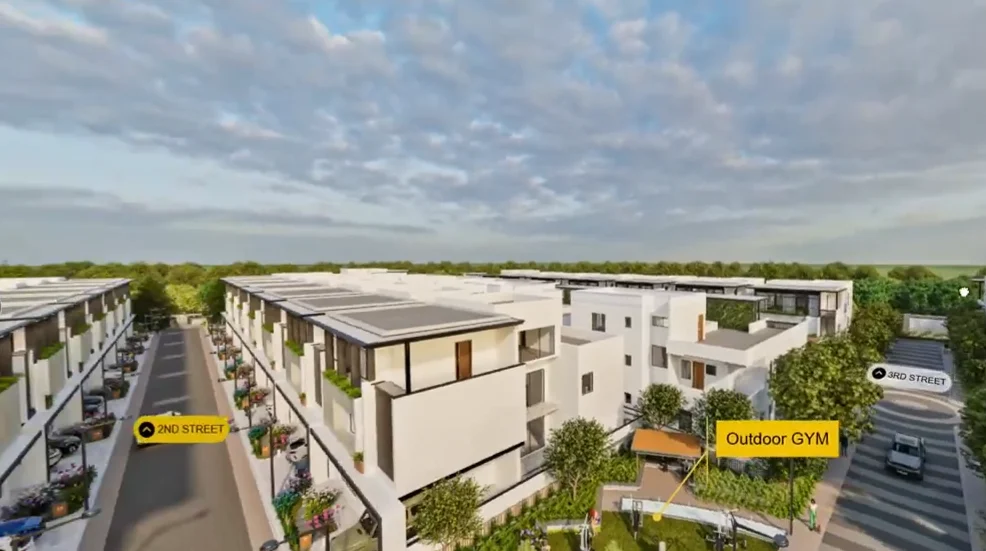
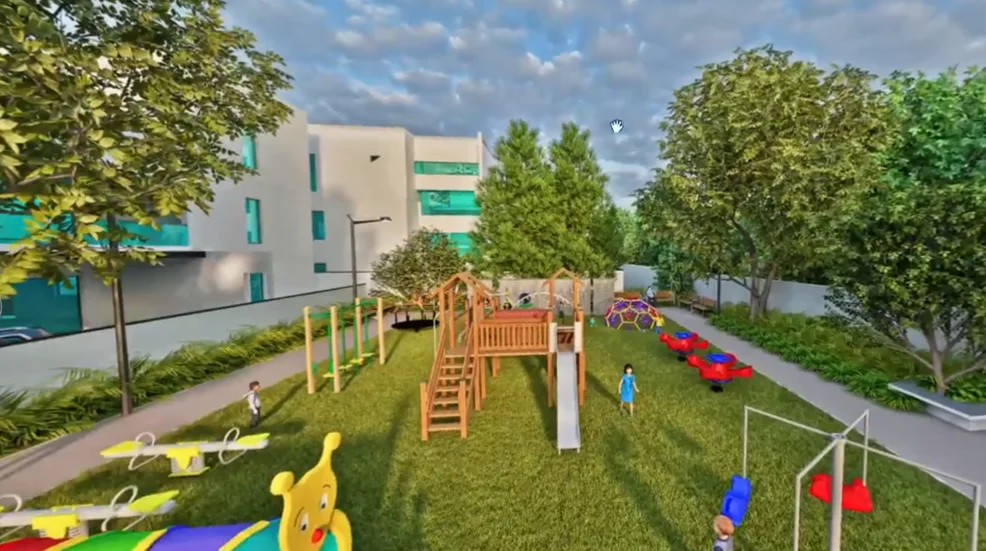
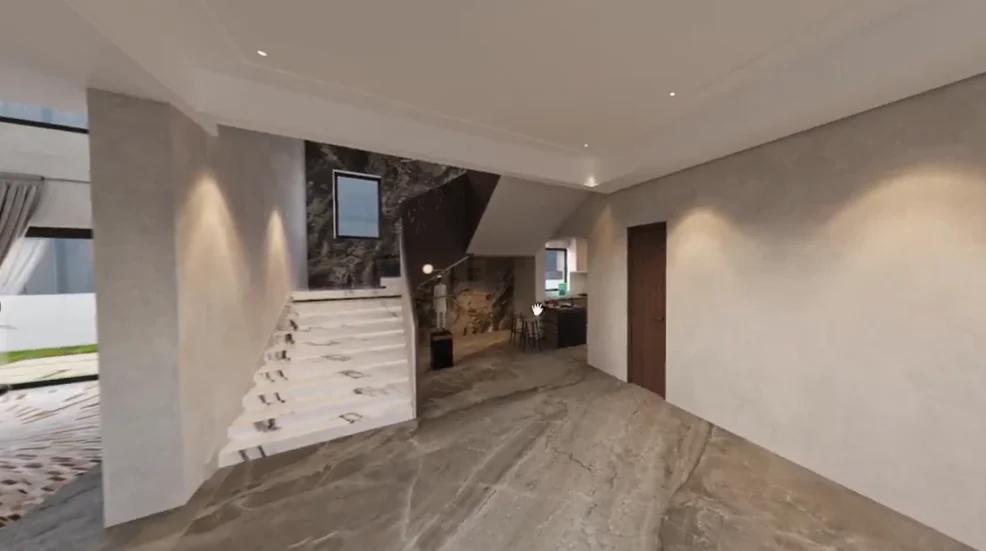
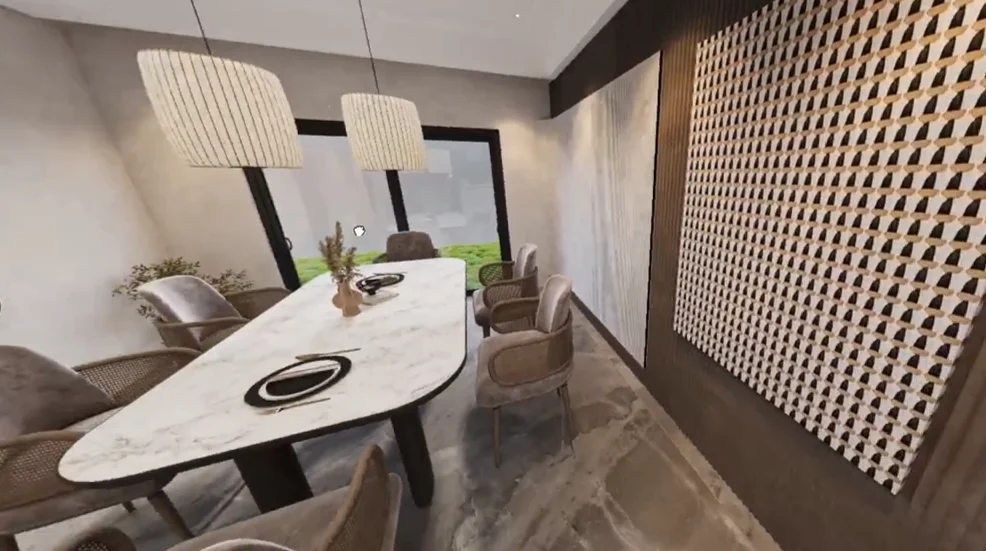
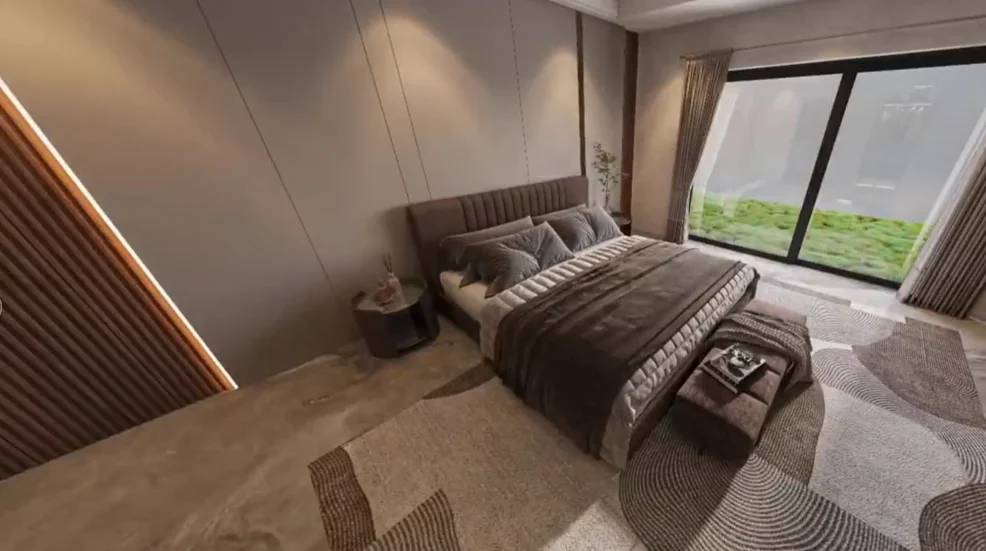
Drag the handle. Buyers can check the true size of a space, then see how it can look when someone lives there.
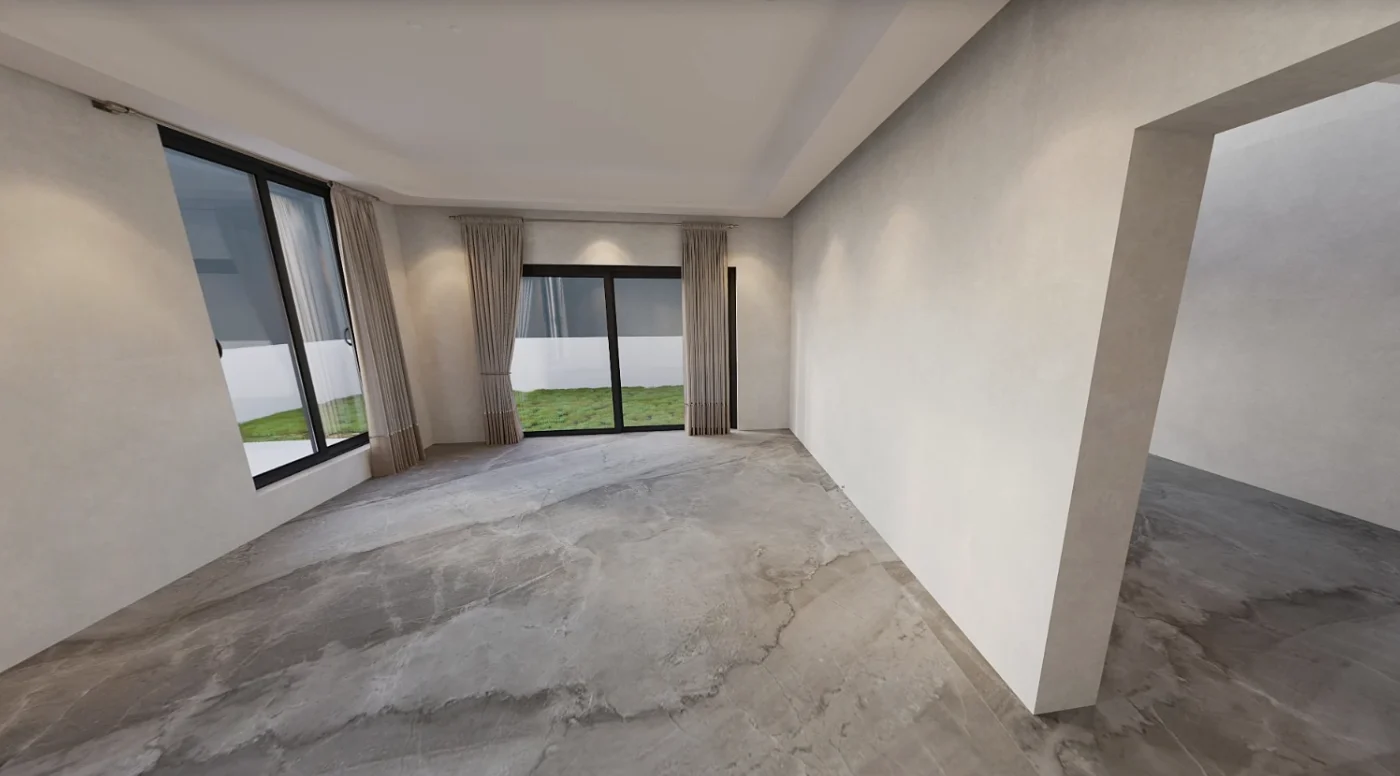
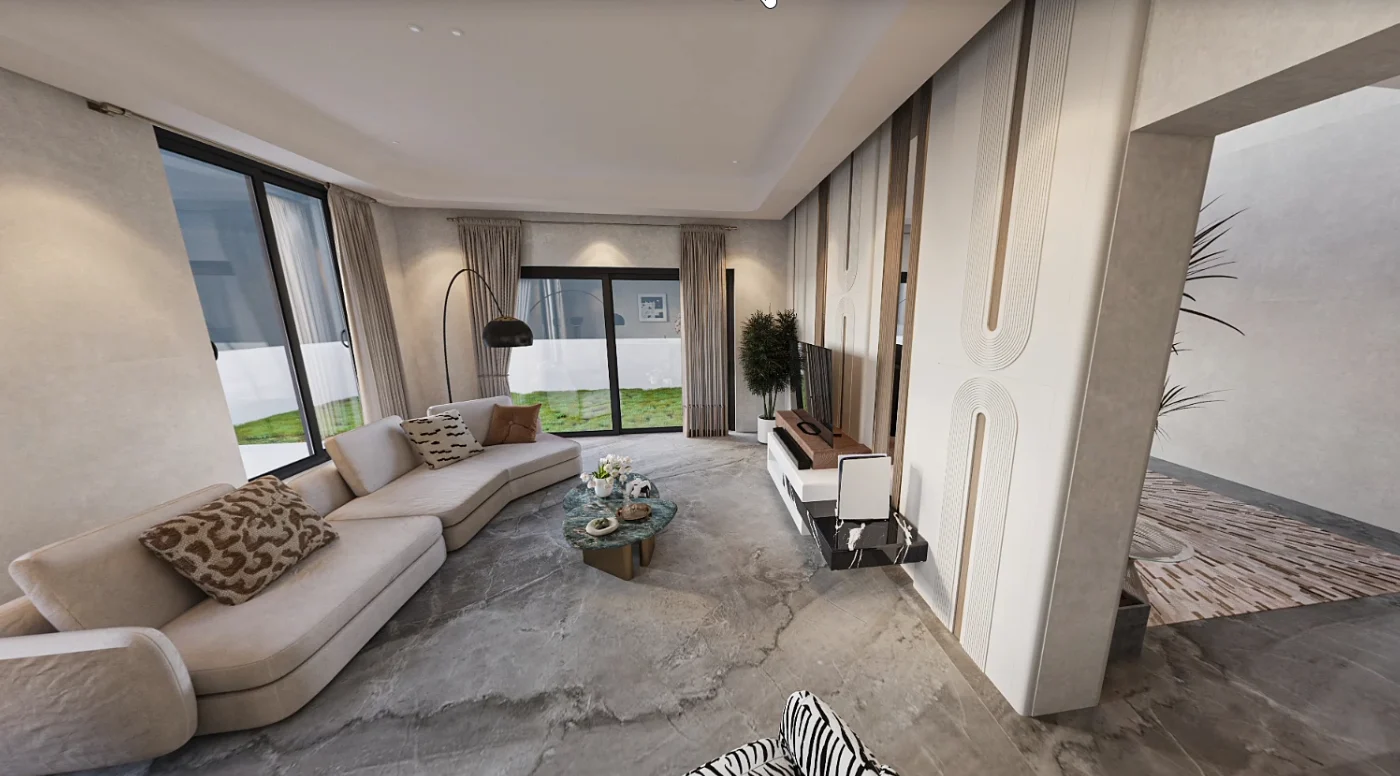 FurnishedUnfurnished
Tools that help a buyer understand the project and help your team present it.
Buyers move between exterior and interior points with a click or tap and explore at their own pace.
A 3D dollhouse view shows how the whole space fits together before buyers walk through it.
Manage multiple floor plans and place points precisely on the map, so buyers always know where they are.
Invite your team or clients into a shared tour with live video and audio calls and chat.
Compare a space side by side, for example unfurnished and furnished, to show what virtual staging changes.
View on websites, tablets and phones, or in headsets such as Oculus Quest, HTC Vive and Google Cardboard.
Show the project while construction is still under way, so interest can build early.
Walk visitors through unit types and shared spaces on a large screen during the conversation.
Give buyers in other cities or countries a clear look at the property, with your team on a live call.
Let people explore from your website or a shared link, before they book a site visit.
A 360° virtual tour lets buyers click, rotate and move between viewpoints at their own pace. A 3D walkthrough is a guided video that shows the property in a smooth, cinematic flow. Many developers use both.
Buyers open the tour on a website, tablet or phone from anywhere. You can also invite clients to a shared tour with live video, audio and chat, so your team can guide them.
No. Tours work on websites, tablets and mobile phones. VR headsets such as Oculus Quest, HTC Vive and Google Cardboard are also supported.
Yes. You can manage multiple floor plans, place points precisely on the map and give buyers a 3D dollhouse view of the whole space.
Yes. A side-by-side comparison shows the same space before and after furnishing, so buyers can judge the layout and picture how it will feel to live in.
Request a demo and tell us what you are building. We will walk you through a matching tour on a call.
Also see WebVerse for plot and unit selection, and Zone IQ for drone and location views.
Live tours are available on request. Tell us what you're building and we'll walk you through a matching tour on a call.
Request a demo
204, Techno Residency
Opp Raheja Mindspace, Phase 2
HITEC City, Hyderabad, 500081
Email: info@spimproject.com
Phone: +91 82470 84303