
WebVerse Platform for Real Estate – 3D Virtual Sales Experience
A new dimension in property visualization
Drag or swipe to spin · tap a card for a demo
Every way a buyer explores a project, in one experience
From villa plots to interior tours and nearby amenities. Scroll to see each feature in action.
-
01
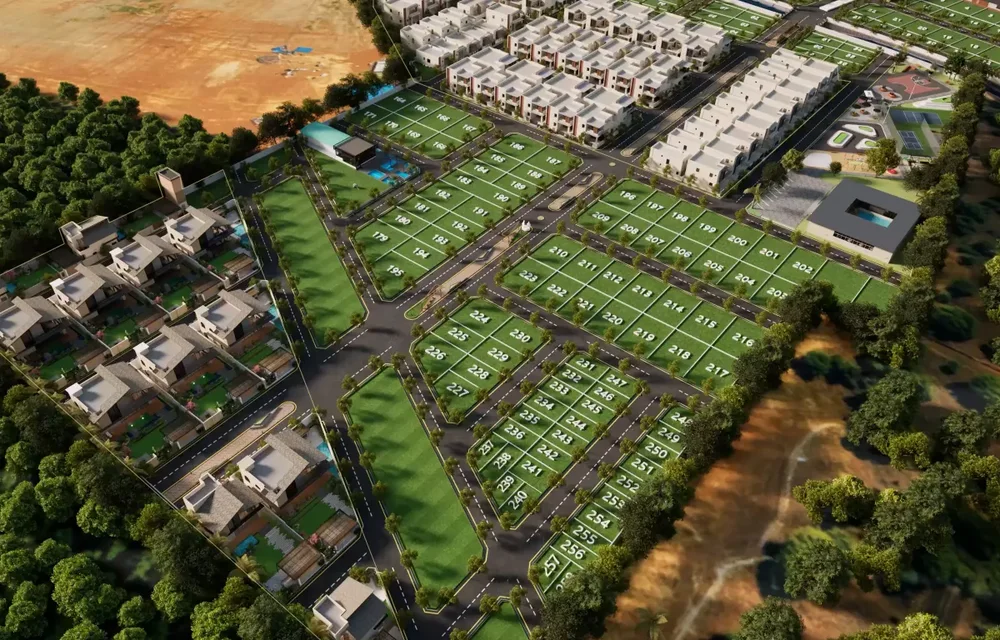
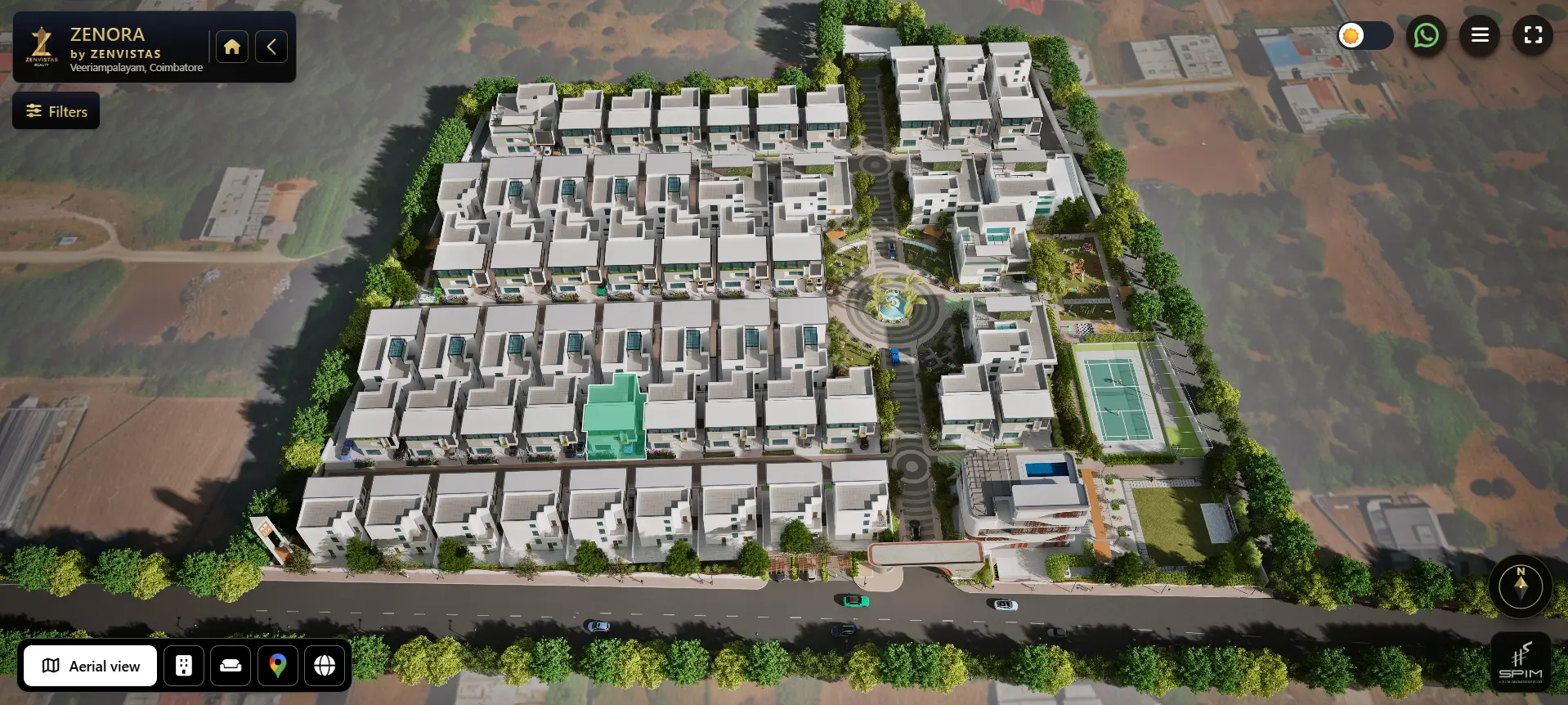
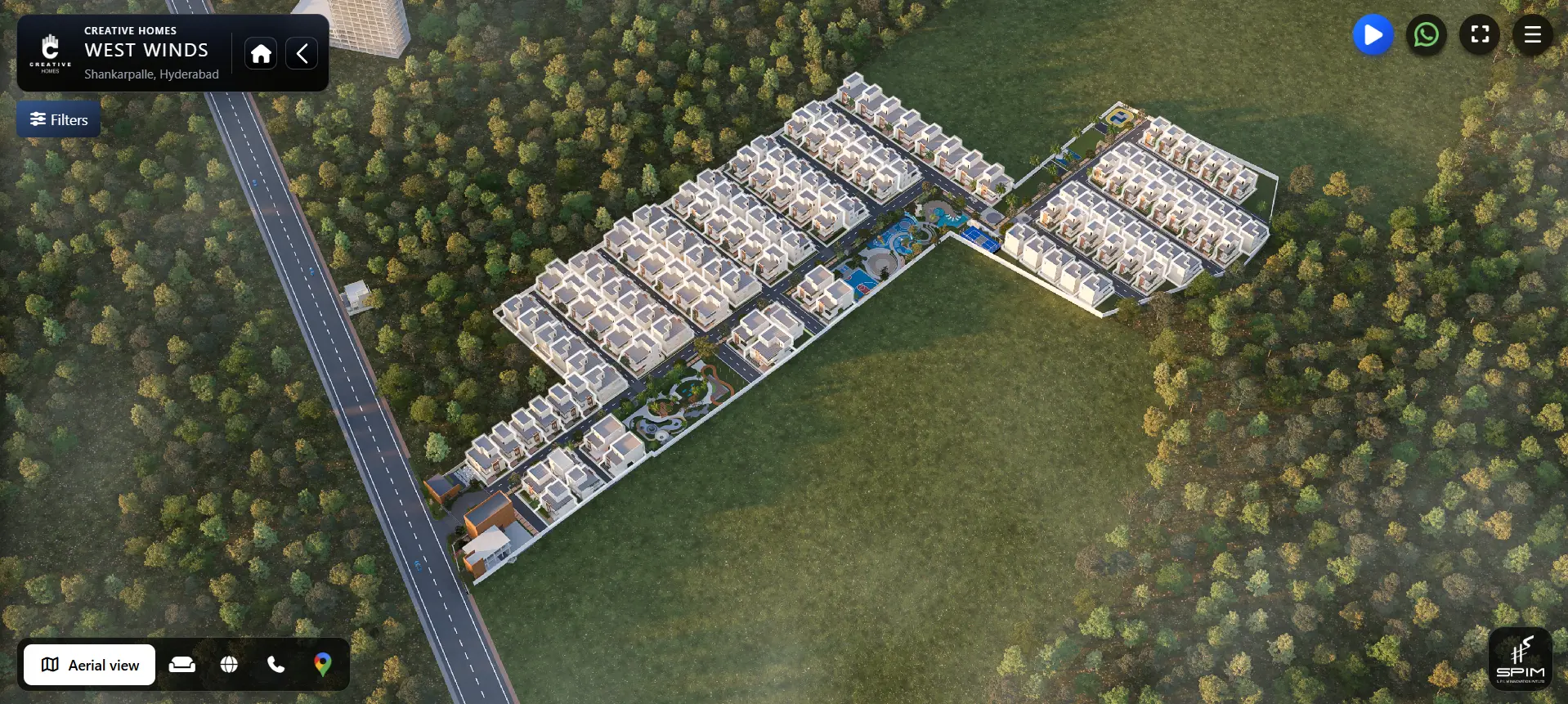
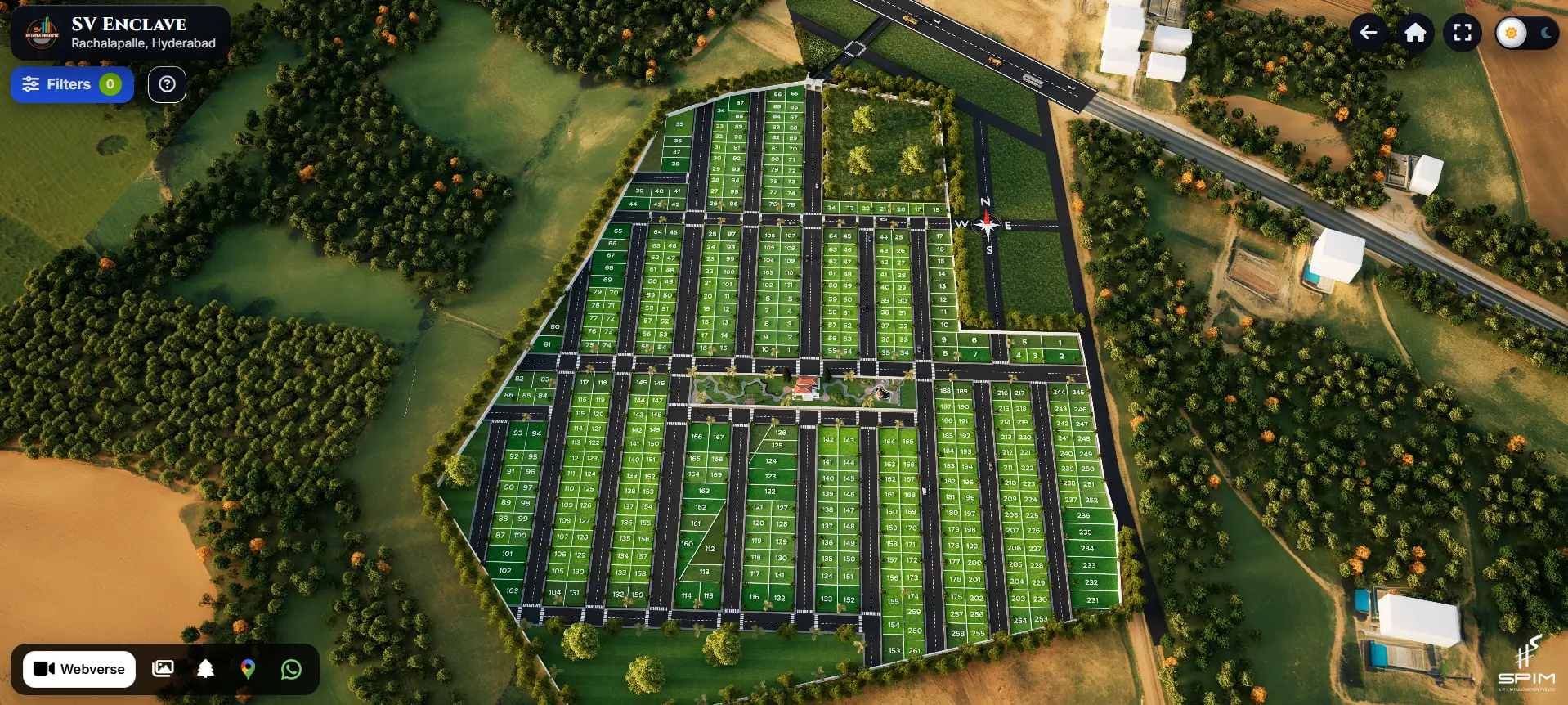
Project Exploration – Villa
Walk the whole layout. Pick a plot, see its facing and size, and explore the villa in 3D before it is built.
-
02
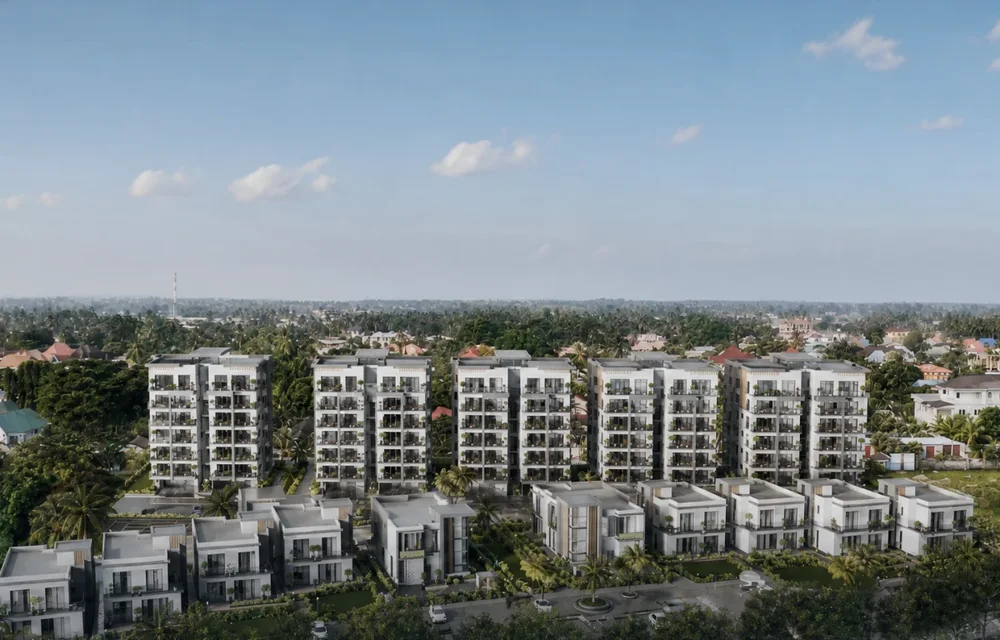
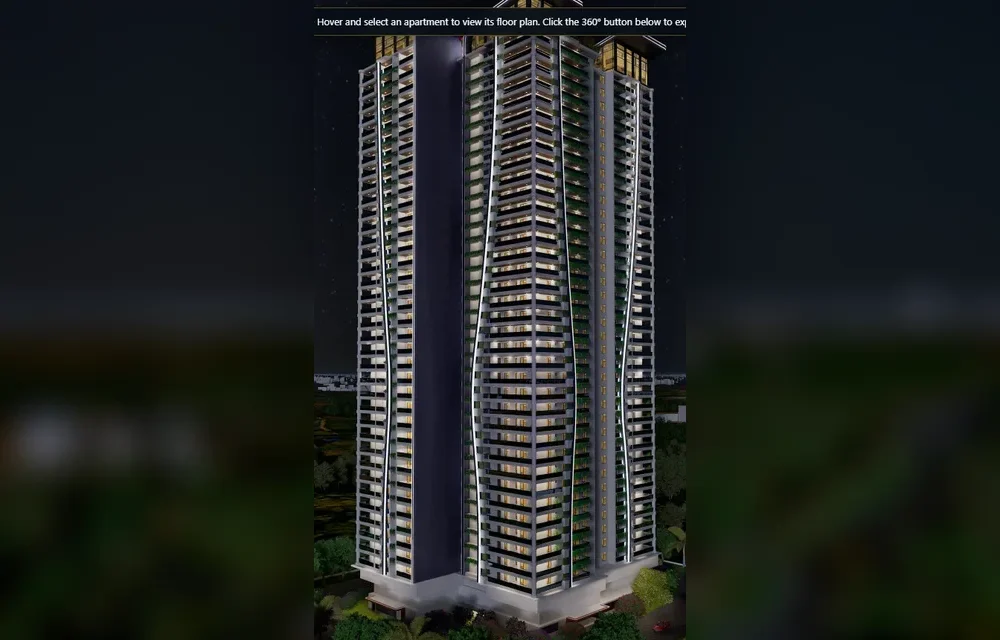
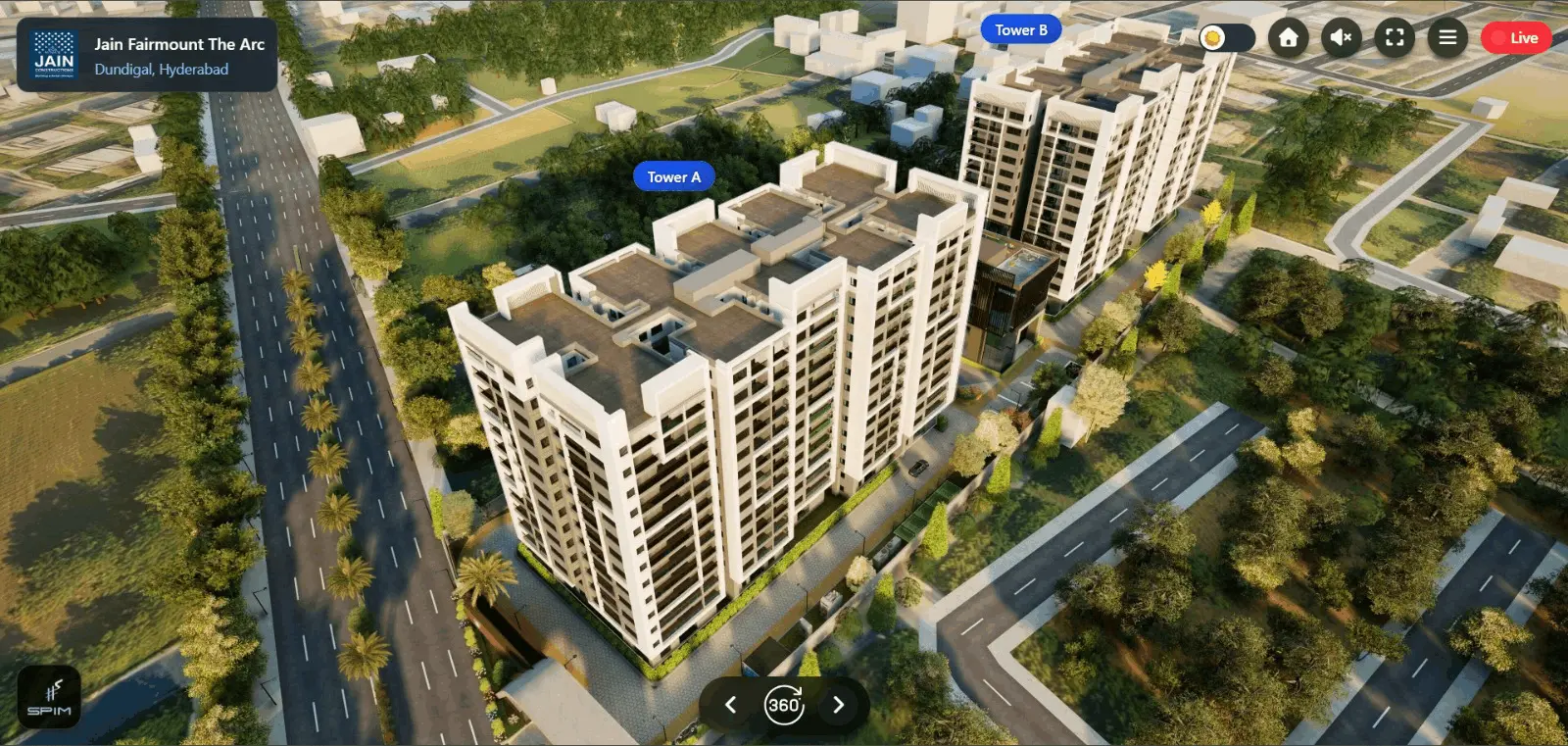
Project Exploration – Apartment
Browse towers, floors and units. Choose a flat and see exactly where it sits in the project.
-
03
Interior Tours
Step inside any unit with a 360° tour. Move room to room and check finishes, space and light.
-
04
Balcony Views
See the view from your own balcony before you buy: the garden, the road or the skyline.
-
05
2D View
Clean top-down plans that show room dimensions and layout at a glance.
-
06
Isometric View
A 3D-style picture of the layout, so buyers understand the space without reading drawings.
-
07
Unit Comparison
Compare units side by side by size, facing, price and layout, and pick the best fit with confidence.
-
08
Zone IQ
Nearby schools, hospitals, malls and transit within a smart radius of the project.
-
09
Furnished / Unfurnished
Toggle a unit between as-built and furnished to see how the space can feel when it is lived in.
-
10
Interactive Map View
Pan and zoom a live map to see the neighbourhood, landmarks and connectivity around the site.
Who WebVerse Is Built For
Real Estate Developers
Showcase large-scale projects digitally, reduce physical site visits, and enable buyers to explore inventory remotely with confidence.
Channel Partners & Sales Teams
Pre-qualify buyers using immersive walkthroughs, smart filters, and live guided virtual tours that accelerate decision-making.
NRI & Remote Buyers
Experience properties from anywhere in the world with interactive views, accurate layouts, and real-time context.
WebVerse: common questions
What is a real estate digital twin and how does it help sell a project?
A digital twin is a virtual copy of your whole project. With WebVerse, buyers filter by size, facing and budget, see availability and explore units in 3D before they visit the site. Sales teams get more informed buyers.
How can buyers check available plots and flats online before visiting?
WebVerse shows sold and unsold plots and unit availability inside the project layout. Buyers pick a plot or flat, see its size and facing, and view where it sits in the project.
How do I show my villa or plotted project online to NRI buyers?
WebVerse lets NRI and remote buyers walk through the layout, check floor plans and take 360° interior tours from any device, with Zone IQ showing the surroundings. Your team can also run live video calls with them.
How can builders reduce site visits and get serious buyers?
When buyers explore the project, layouts and views online first, fewer casual visits reach the site. Your sales team receives pre-qualified leads who already know the unit they want.